
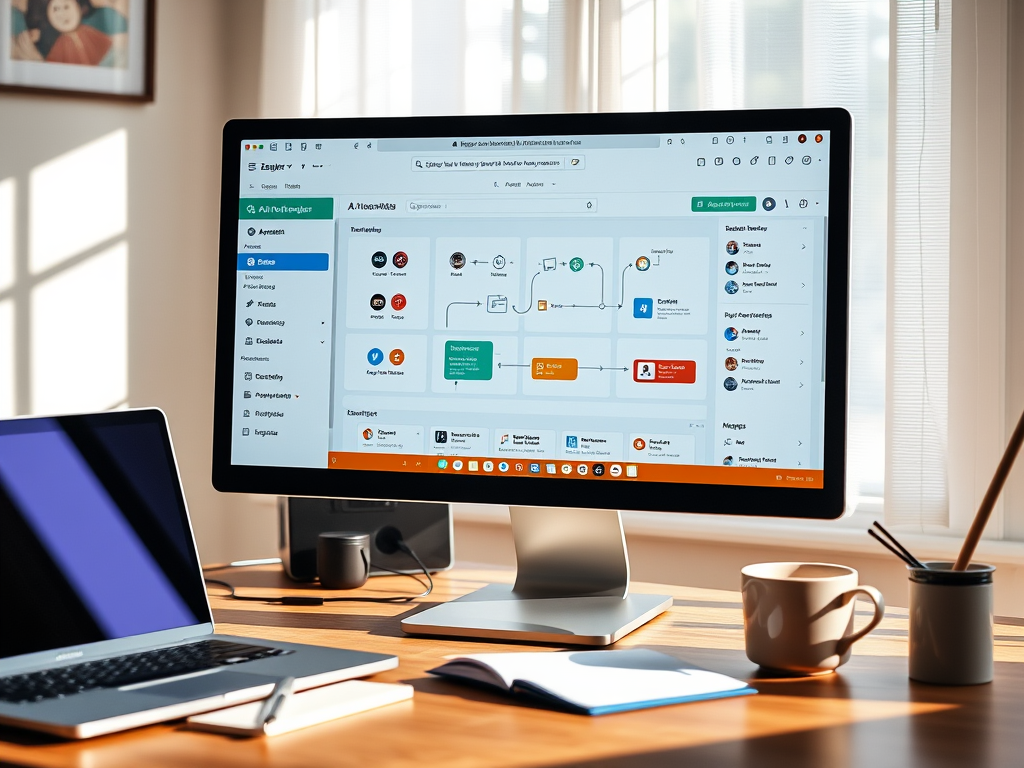
Automation may seem intimidating, especially with all the jargon that often accompanies it. However, the truth is that you don’t need any coding skills to get started with AI automation tools. Many beginner-friendly platforms allow you to streamline your tasks easily and safely, without overwhelming technical settings.
In this guide, we will explore some of the first AI automation tools for beginners that are simple and effective. You will learn how to identify beginner-friendly tools, the best options to try first, and how to start your journey into automation without feeling overwhelmed. Let’s conquer this world together!
What Makes an Automation Tool Beginner-Friendly?
Beginner-friendly automation tools share a few key characteristics that help ease new users into the world of automation:
- No coding required: These platforms are designed for anyone, regardless of technical knowledge.
- Visual workflow builders: You can see your automation steps visually, making it easier to understand how everything flows.
- Drag-and-drop interfaces: No complicated commands; just click and drag to create your workflows.
- Templates available: Pre-made workflows are available, allowing you to quickly set up automations.
- Easy integration with common apps: These tools often work seamlessly with the applications you already use.
For example, imagine you run a small business and want to automatically send a welcome email when someone fills out a contact form on your website. With a beginner-friendly automation tool, this task becomes simple and effortless!
First AI Automation Tools Beginners Try
Here are some beginner-friendly automation platforms that are perfect for taking your first steps:
1. Zapier
What it does: Connects different apps to automate repetitive tasks.
Why it’s beginner-friendly: Offers a simple interface and thousands of templates for various tasks.
Example use case: A freelancer can set up an automation to save email attachments directly to a cloud storage service.
Beginner benefit: Saves time by eliminating manual downloads.
2. Automate.io
What it does: Allows you to build workflows between popular apps without coding.
Why it’s beginner-friendly: Features a user-friendly setup with drag-and-drop tools.
Example use case: An office worker can automate reminders for meetings by connecting their calendar with a task management tool.
Beginner benefit: Helps in keeping tasks and appointments organized effortlessly.
3. Integromat (Make)
What it does: Connects multiple apps to create complex workflows in a simple way.
Why it’s beginner-friendly: Utilizes visual builders and offers templates to get started quickly.
Example use case: A student can automate the process of saving assignments from their email to a specific folder in a file management app.
Beginner benefit: Reduces stress of managing many emails and documents.
4. IFTTT (If This Then That)
What it does: Enables integrations between various services for simple automations.
Why it’s beginner-friendly: Very straightforward with a focus on single-step automations.
Example use case: A personal task manager can get a daily notification on their phone for rereading their goals.
Beginner benefit: Encourages developing good habits without extra effort.
How Beginners Should Start (Step-by-Step)
Starting with automation is easy and can be done in just three simple steps:
- Choose one simple repeated task: Identify a task you do often, like sending follow-up emails or organizing files.
- Pick one beginner automation tool: Select one of the tools listed above that feels approachable to you.
- Test one small workflow: Start by setting up a simple automation using a template and run it to see how it works.
By starting small, you’ll build the confidence needed to explore more complex automations in the future.

Common Mistakes Beginners Make
As you begin your automation journey, keep these pitfalls in mind:
- Trying to automate complex systems immediately.
- Watching too many tutorials before taking action.
- Comparing advanced features instead of focusing on basic ones.
- Expecting automation to work perfectly on the first try.
- Connecting too many apps at once.
Remember, it’s perfectly normal to make mistakes as you learn!
Benefits for Beginners and Small Businesses
Embracing automation can bring several significant benefits:
- Saves time: You can focus on important tasks instead of repetitive actions.
- Reduces manual repetition: Automations take care of the work for you.
- Builds technical confidence: Each automation successfully completed boosts your confidence.
- Improves workflow clarity: Your processes become clearer and easier to follow.
- Frees up mental energy: With tasks handled automatically, you can concentrate on creative or high-priority projects.
These benefits directly contribute to your confidence as a beginner.
Helpful Resources on This Website
If you’re looking for more support in your automation journey, check out these articles:
- “Beginner Workflows: 5 Easy Automation Steps“: This guide helps you create your first workflow with clear examples tailored for beginners.
- “Common Myths About Automation“: Understanding these myths can help ease your fears about starting to automate tasks.
Frequently Asked Questions (FAQs)
Do I need coding knowledge?
No, these tools are designed to be user-friendly with no coding required.
Are these tools expensive?
Many offer free plans or trial periods, making them accessible for beginners.
Can I stop automation anytime?
Yes, you can easily pause or stop any automation you’ve set up.
Which tool should I try first?
Start with a tool that feels the most relevant to your tasks; Zapier or IFTTT is often recommended.
What if I make a mistake?
Mistakes are part of the learning process, and you can usually undo or adjust your automation.
Conclusion
Automation is accessible for everyone, even if you’re a complete beginner. By taking small steps, you’ll build your confidence and discover the benefits of streamlining your tasks. Experiment with a simple automation today to experience how rewarding and easy it can be!
Ready to explore the world of automation further? Check back for more beginner-friendly guides and feel free to bookmark this page as you experiment with your first automation workflow. You’ve got this, and we’re here to support you every step of the way!
Leave a Reply